
Your team's knowledge is locked in formats designed for paper: PDFs of specs, DOCX requirement docs, slide decks, exported HTML. All of it is readable by humans and hostile to context windows. Before an agent can use any of it, someone — or something — has to translate.
The token tax on markup
Here's a tiny, honest benchmark. The same content as website HTML and as markdown, counted with cl100k:
<div class="card"><h2 class="title">Setup</h2>
<p class="body">Run npm install first.</p></div>
                                      → 30 tokens

## Setup

Run npm install first.
                                      → 8 tokens
Same information, 3.75× the cost. Every tag, attribute, and class name is tokenized noise the model has to wade through. PDF extraction is even worse — column layouts interleave, headers and footers repeat on every page, and tables arrive as character soup.
Markdown sits at the other extreme: its structure markers (#, -, ```) are single cheap tokens, and models have read billions of markdown documents during training — README files, GitHub issues, documentation sites. It is, in a real sense, the native written language of LLMs. That's why agent instruction files are .md files and not .docx.
MarkItDown under the hood
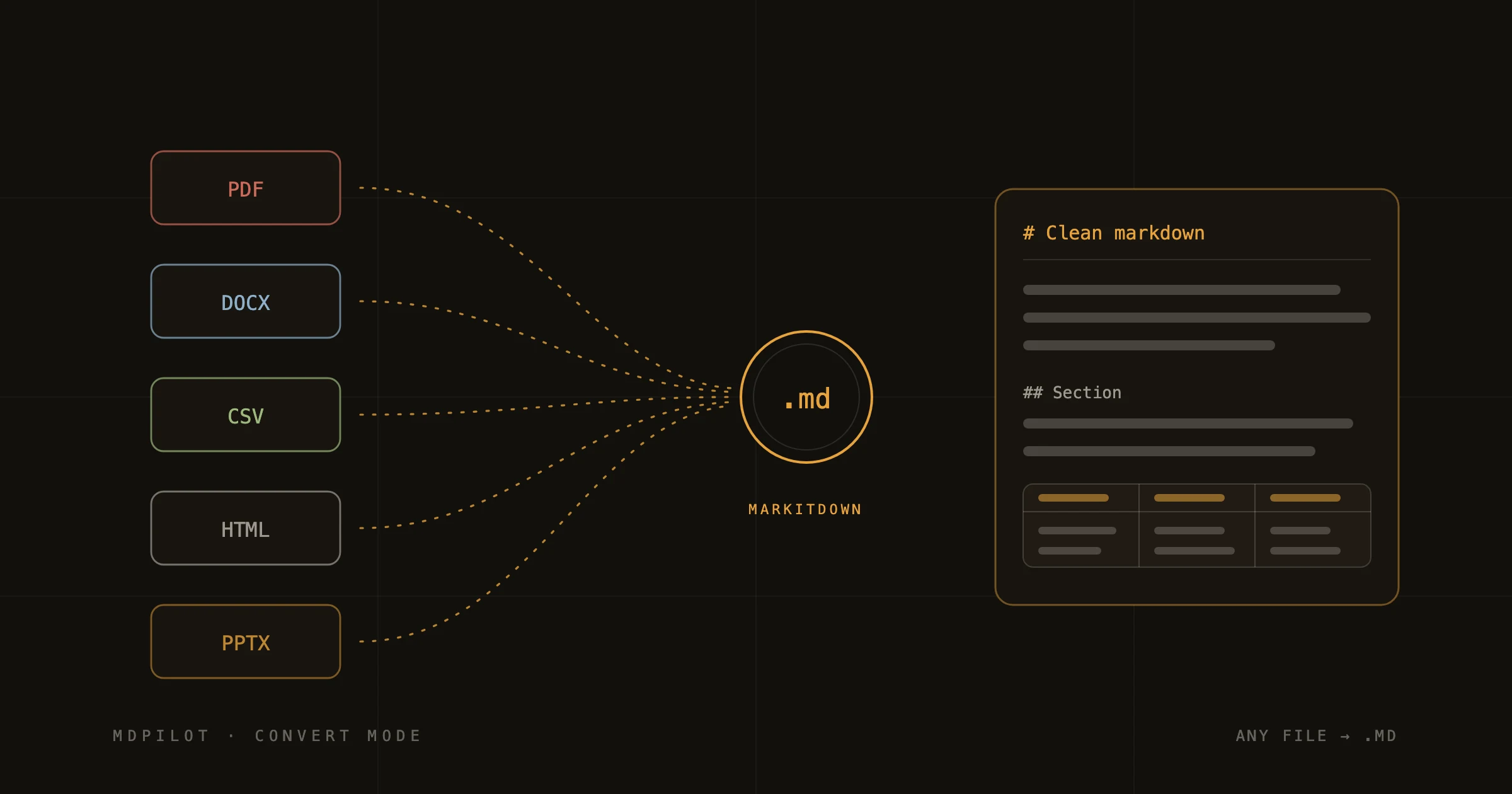
MDPilot's Convert mode is built on MarkItDown, Microsoft's open-source conversion engine. It handles PDF, DOCX, PPTX, XLSX/CSV, and HTML, and it's opinionated in the right way: it preserves document *structure* — headings stay headings, lists stay lists, tables become markdown tables — rather than trying to preserve visual layout.
That distinction matters for AI use. A pixel-faithful conversion is worthless to a model; a structure-faithful one means the heading hierarchy survives into the context window, and the model can navigate the document the way it navigates any markdown file.
Honest caveats
- Scanned PDFs are images — they need OCR before any converter can help.
- Heavily designed layouts (magazine-style multi-column) can scramble reading order.
- Complex merged-cell tables sometimes need a manual pass after conversion.
That's why Convert mode shows you a live preview pane instead of handing you a file blind — you see exactly what the model will see, and you can fix the 5% before it costs you a confused generation.